Never lose the enquiry
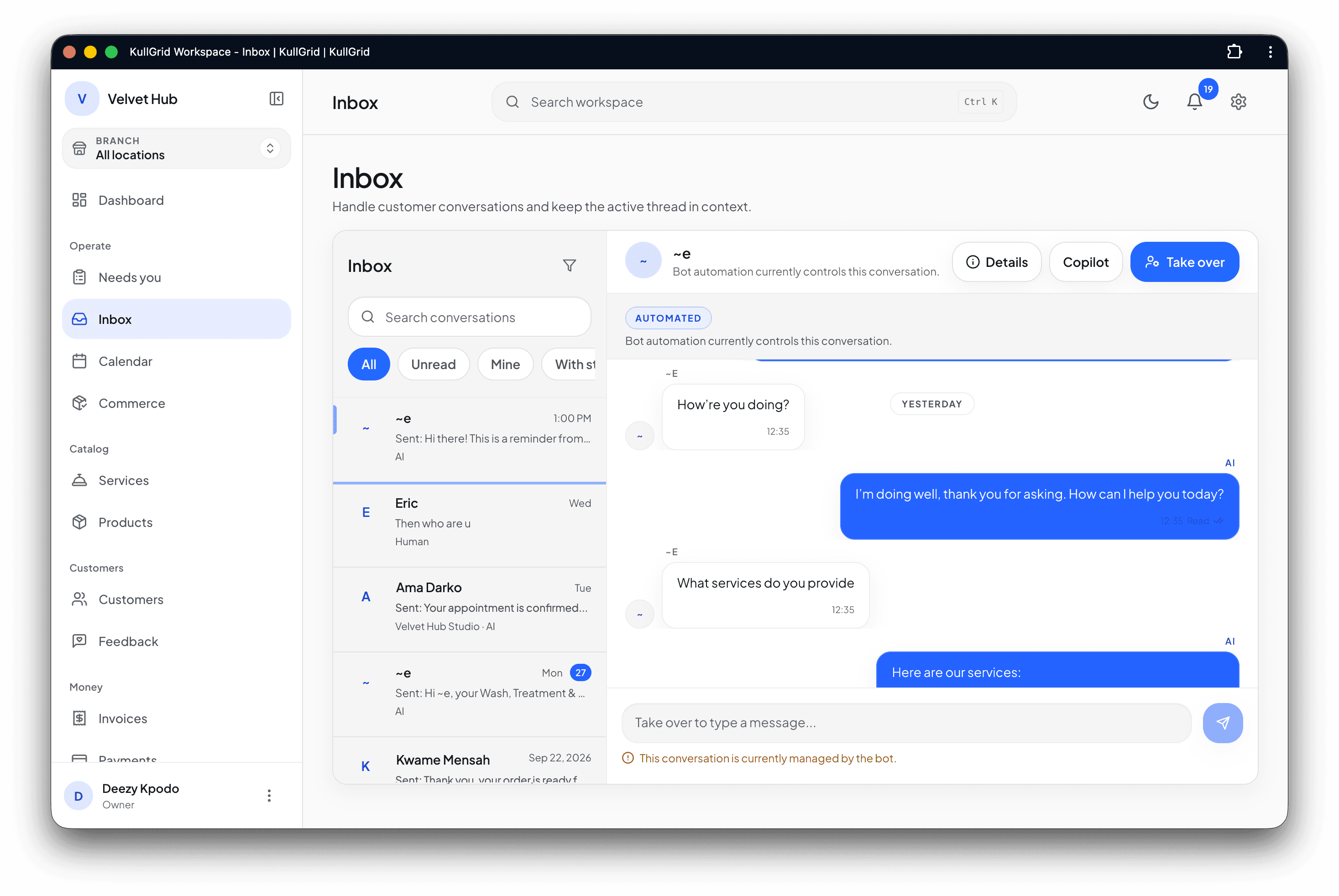
New WhatsApp conversations enter one shared operational Inbox.
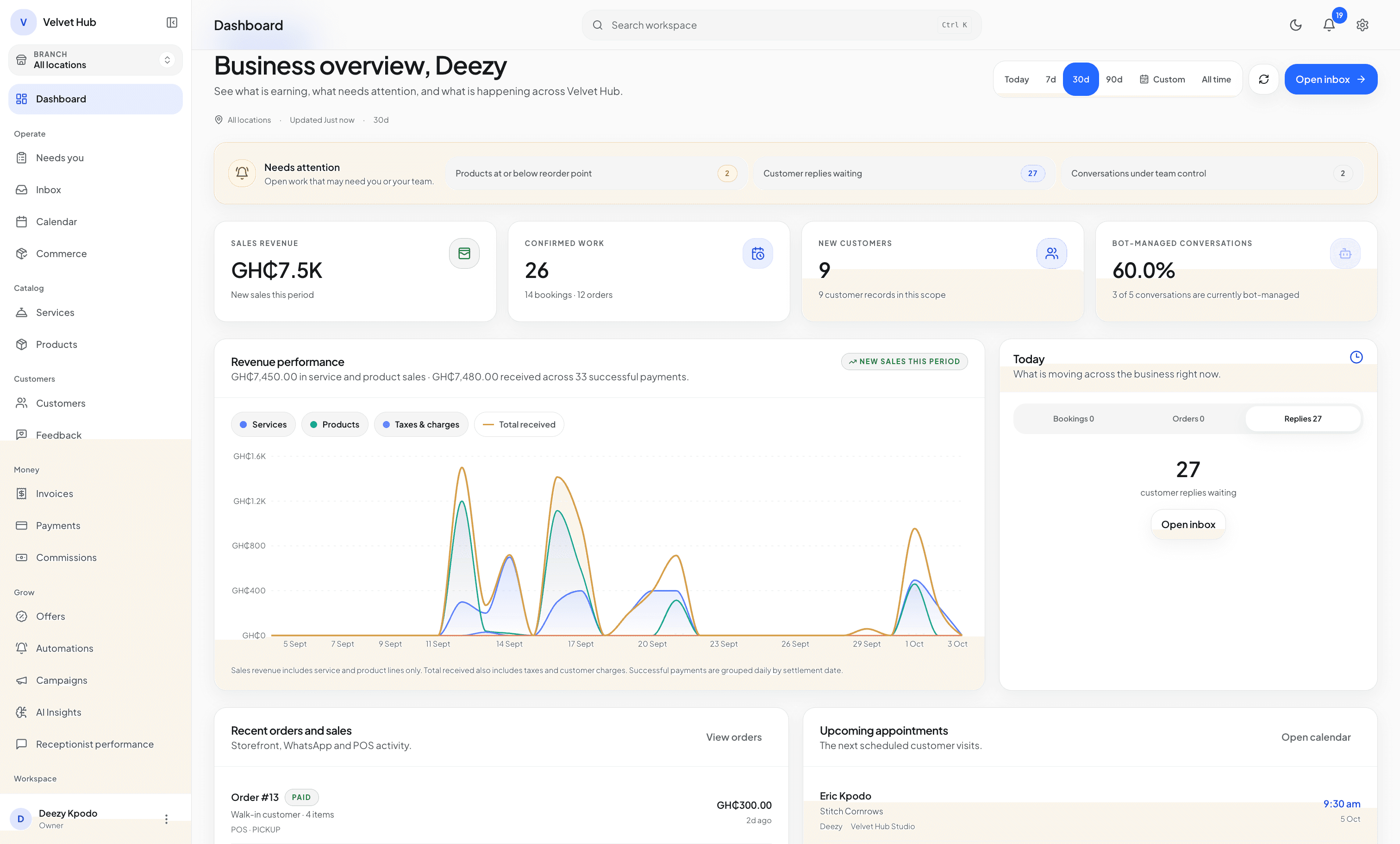
Understand every enquiry, recommend the right service or product, manage bookings, collect payments, and keep your team aligned—from the first message to fulfilment.

New WhatsApp conversations enter one shared operational Inbox.
Recommend the right service or product, then guide them into booking, checkout, or human help.
Bookings, orders, payments, fulfilment, assignments, and follow-up stay attached to the customer.
Some customers need an appointment. Others need a product, package, or order. ChatFlow keeps both paths connected to the same conversation, customer, and team.
Match the service, check staff and location availability, apply the deposit policy, and confirm the appointment.
Recommend from the configured catalogue, show current price and stock posture, move into checkout, and track fulfilment.
Customers can stay in WhatsApp when conversation is enough, then move into a structured portal when booking, checkout, or operational review needs more clarity.
Identify service need, product intent, timing, budget, and useful customer context.
Check staff, availability, inventory, prices, policies, and required details.
Apply a deposit, full payment, milestone, or approved offline payment option.
Confirm the booking, order, or combined transaction only after validation.
Assign service execution, pickup, delivery, fulfilment, or human review.
Conversations, schedules, sales, payments, customer context, and team control work together instead of becoming disconnected tools.
ChatFlow uses services, products, customer context, policies, and conversation state to help with enquiries while deterministic systems keep authority over prices, bookings, orders, and payments.
Service, date preference, customer history, and next question identified.
Help customers discover services and products, move into a public booking or order experience, complete the right payment step, and return to WhatsApp with the context preserved.


ChatFlow can recommend and communicate, but bookings, prices, promotions, inventory, payments, refunds, and fulfilment remain controlled by authoritative systems and authorized people.
Select a workflow to see how appointments, products, payments, and human exceptions adapt to different operating realities.
A customer shares what they want, chooses the right professional, adds aftercare products or a bundle, pays the required amount, and receives a connected booking and order outcome.
Can I book the same style and add the serum I bought last time?
I found your previous style and serum. Akosua has Saturday availability at 2:00 PM—would you like to review both together?
Previous services and purchases, preferences, active bookings, balances, follow-up, loyalty, promotions, and incomplete orders can make the next interaction more relevant.
Give owners, managers, and agents the visibility they need without forcing customers out of WhatsApp.
Amara’s booking confirmedDeposit verified · Akosua assigned
NowOrder #43 needs fulfilment reviewPickup is ready · one inventory item needs attention
8 minSchedules, queues, inventory attention, and human controls remain visible.
Fictional daily brief composed from the Inbox, Calendar, Orders, payment, inventory, notification, and reporting surfaces.
Choose a starting point based on team size, automation, and operational complexity. We’ll tailor the setup to your workflow.
Core booking and WhatsApp operations for a small service team.
Payments, follow-up, loyalty, and customer growth tools.
Deeper AI, automation, reporting, and operational control.
Contract-scoped capacity, onboarding, governance, and support.
Base prices before any activated tax. Enterprise features and capacity are confirmed in the signed contract.
Setup, payment, human control, and plan fit deserve practical answers—not a feature list in disguise.
Book a tailored demoCreate your account, finish the guided setup, then start seven days of Growth when you are ready.
7 days of Growth · 100 AI responses · no card · starts only after setup